Gazette: a free news and magazine template for Framer
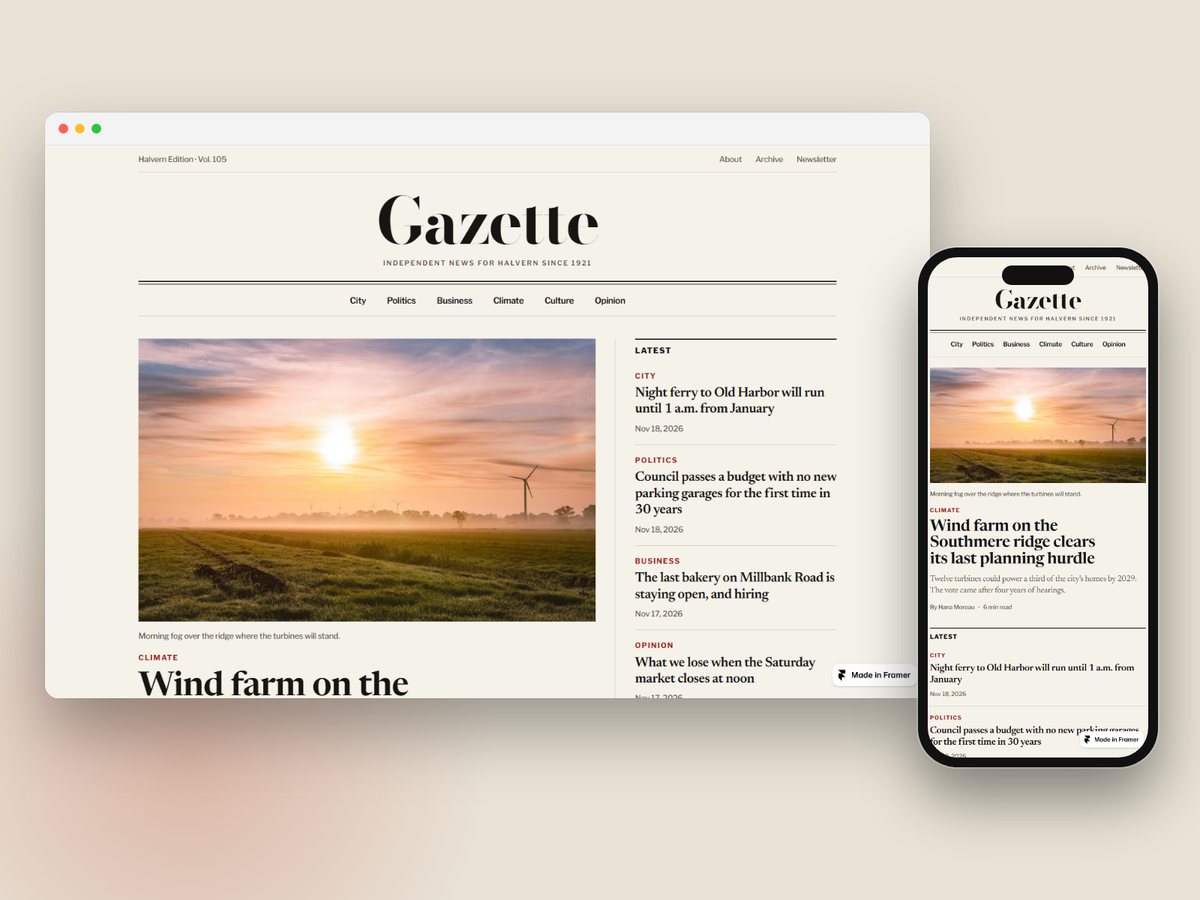
A broadsheet-style news and magazine site run from Framer’s CMS: a front page with a lead story, top stories, opinion and a most-read list, a page per section, article pages with pull quotes and author boxes, an archive, and light and dark modes that follow the reader’s setting.
What’s inside
- Front page: lead story, latest, top stories, opinion, most read, newsletter form
- A page for each section, from the CMS
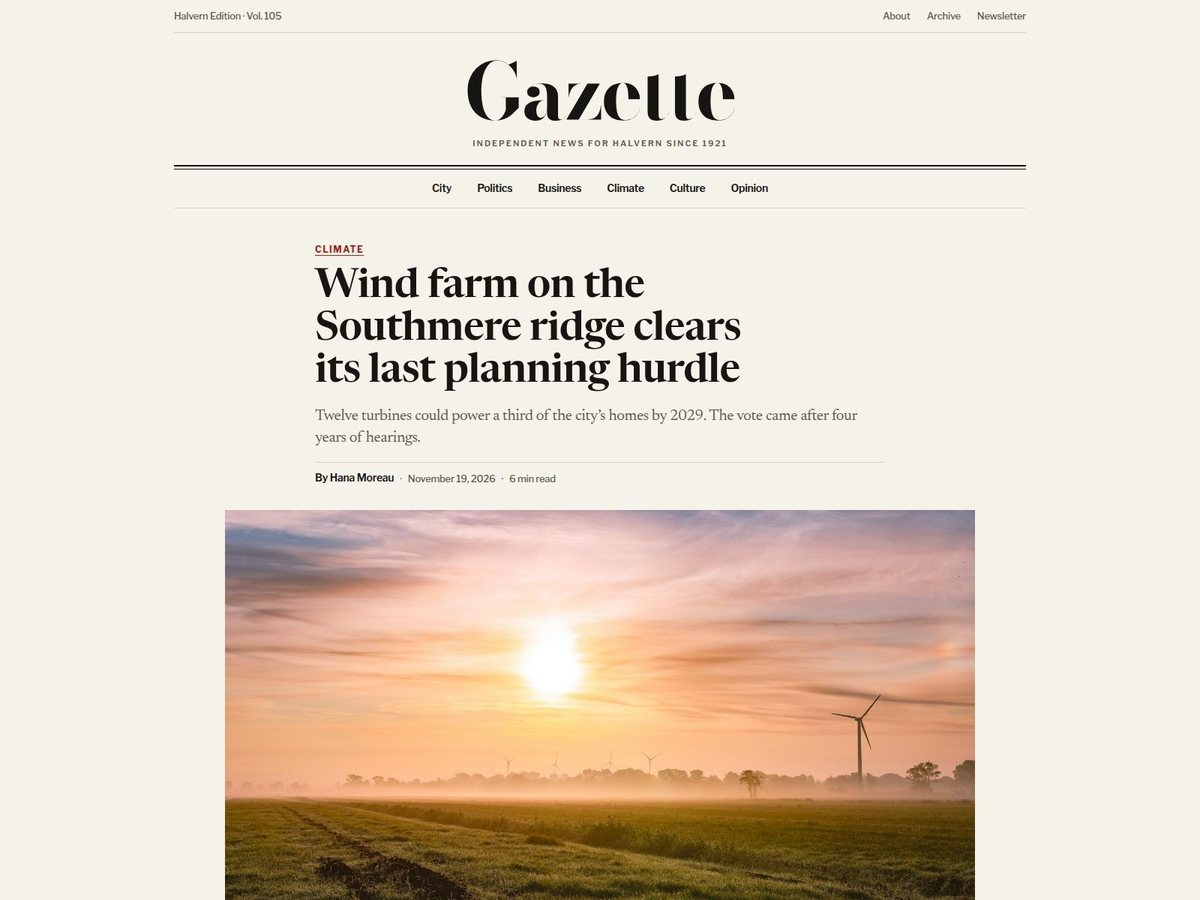
- Article pages with byline, reading time, captions, pull quotes, author box and related stories
- About page with masthead, standards and a tip form
- Archive of every story
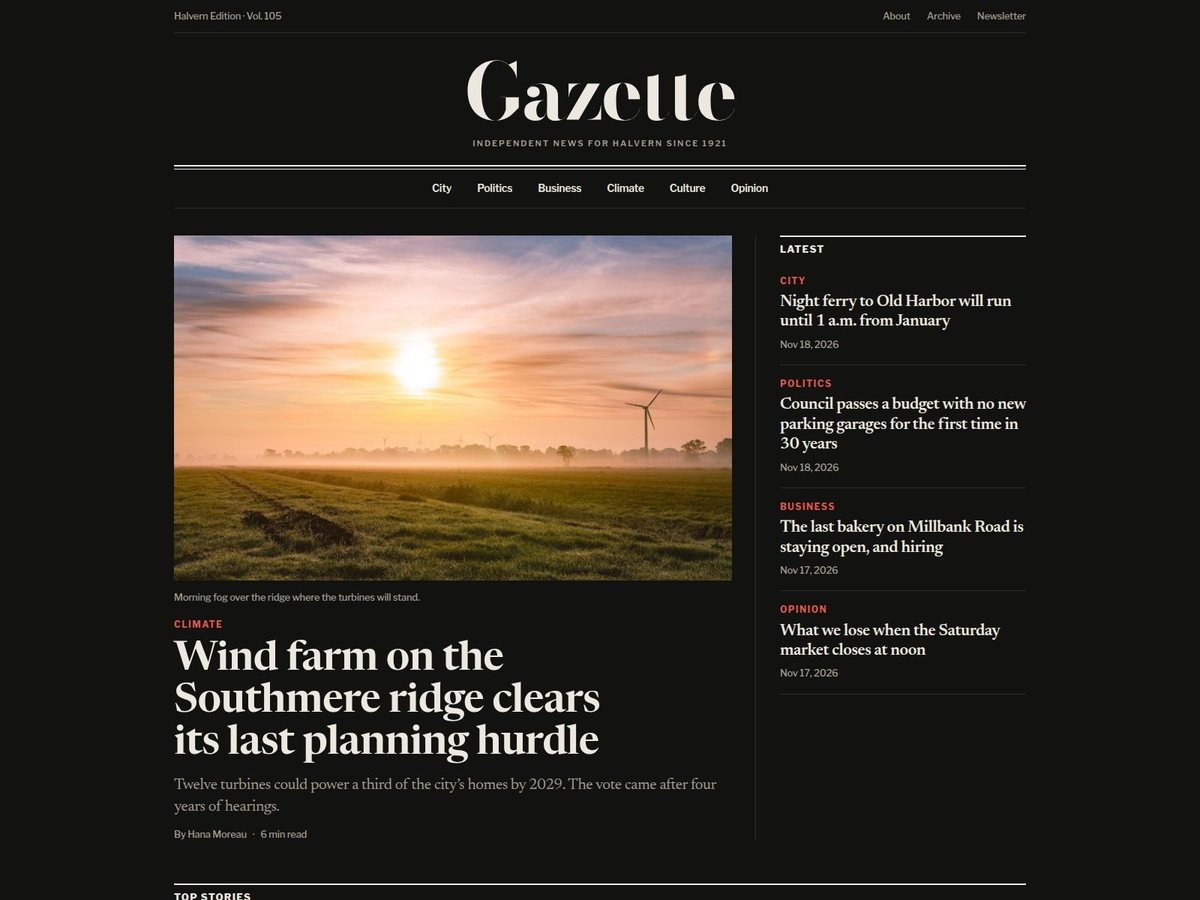
- Light and dark modes
Details
| Pages | Front page, sections, articles, about, archive |
|---|---|
| CMS | Articles, Sections and Authors collections, with 12 sample stories |
| Layouts | Desktop, tablet and phone, checked at 320 px wide |
| Forms | Newsletter sign-up and news tips; you choose where they go |
| Style | Light and dark, grid, large type |
| Price | Free |
Who it’s for
Local news sites, newsletters, student papers, magazines and blogs that want to look like a real publication.
Questions
Do I need to know how to code?
No. Framer is a visual editor: click a heading to change the words, drag in your own photos, and press Publish.
Can I use my own domain?
Yes. Gazette publishes free on a framer.app address; connecting your own domain needs one of Framer’s paid site plans.
Where do the photos come from?
The sample photos come from Framer’s built-in Unsplash search. Names, places and prices are made up for the demo, so replace them with your own.
Where do form answers go?
Wherever you choose in Framer’s form settings, such as your email or a spreadsheet. The forms come without a destination so nothing is sent to us.